Consent comes first.
Connect with your consent. Choose which accounts to include.
Every account you hold, read into one clear view and sorted into three categories.
One view
Read-only. Illustrative.
Connect
Connect your bank accounts with your consent.
Choose the accounts you want to see. maali only reads them.
Your bank accounts. Your permission. Your decision to disconnect.
Home
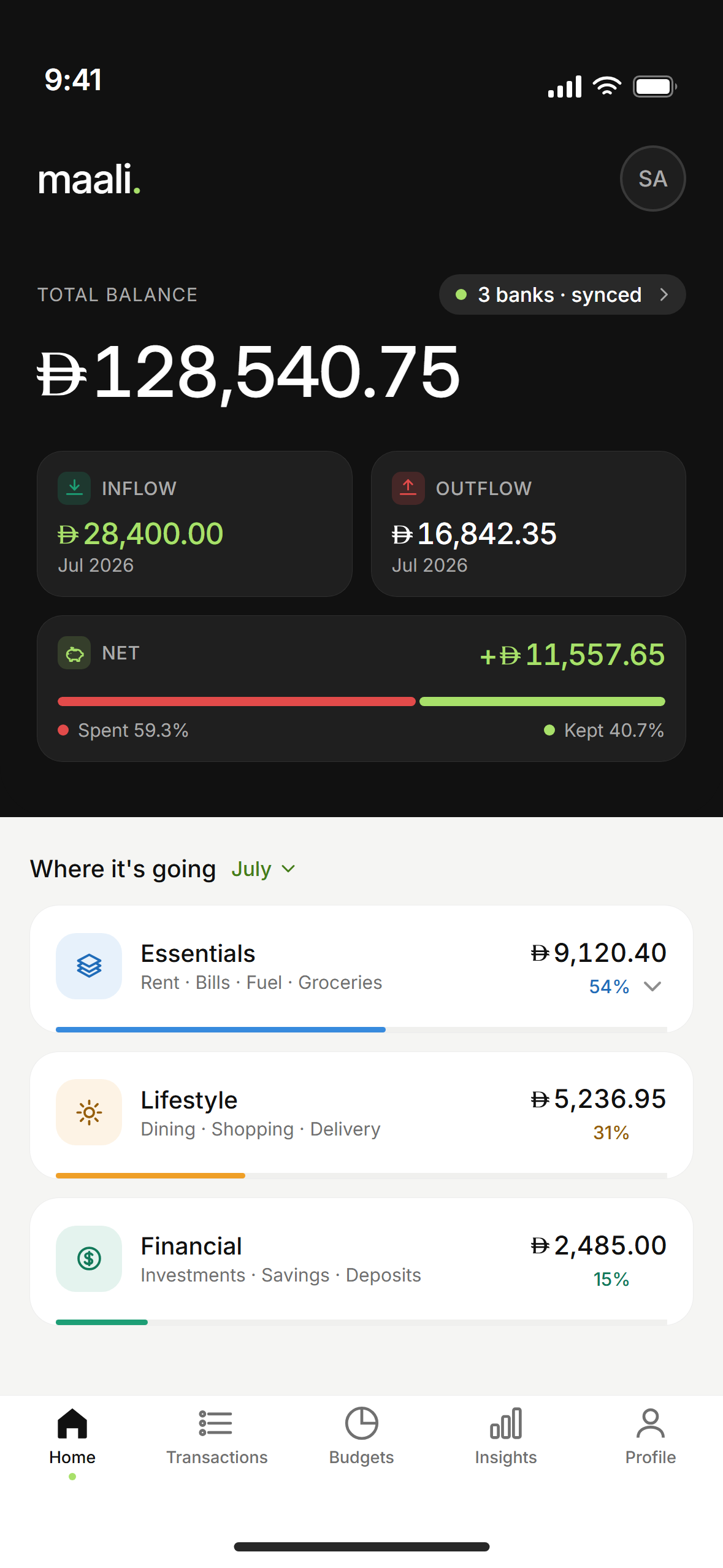
See every connected account in one view.
See where your money goes, split into three categories.
Transactions
Groceries. Dinner. A card payment.
Every transaction is sorted automatically into Essentials, Lifestyle, or Financial.
The same three categories carry through to Home.
| Entry | AED | Group |
|---|---|---|
| Groceries | 240 | Essentials |
| DEWA | 360 | Essentials |
| Dining | 86 | Lifestyle |
| Subscription | 40 | Lifestyle |
| Savings | 500 | Financial |
| Card payment | 300 | Financial |
| Total | 1,526 | Sorted |
Example only. These are not your transactions.
Budgets
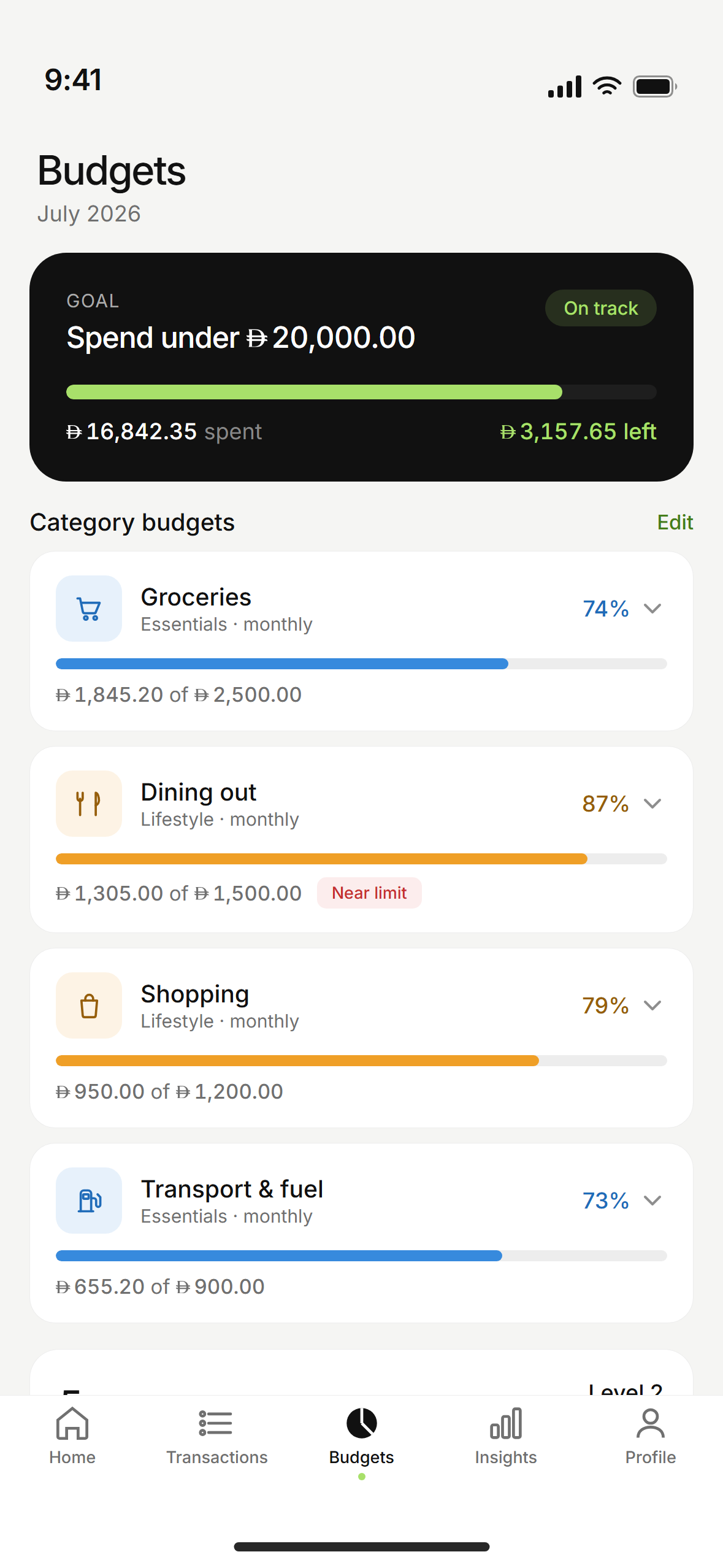
Your budget starts with your own spending history.
maali drafts it. You can change any line.
A starting point from the way you already live.
Insights
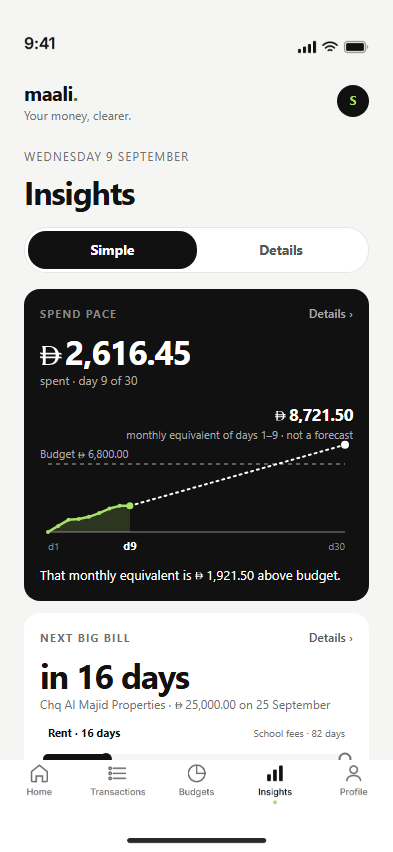
See your spending pace against the days left.
Check the next big bill and what repeats every month.
Your month runs from salary to salary.
The calendar changes. Your salary sets the start.
Payday again
Understanding your money starts with permission.
You decide what maali can read.
Connect with your consent. Choose which accounts to include.
maali reads your bank account information. It cannot move your money.
Disconnect inside the app, any time.
Before your first cycle
maali is in private testing.
It is not open to the public yet.
Not yet. maali is in private testing. This page will change when that changes.
Your bank accounts and cards. The list of supported banks will be shared when connections open.
No. maali only reads your bank account information. It cannot make payments or move money.
Yes. Your month runs from salary to salary.
From inside the app, any time. Access ends when you disconnect.